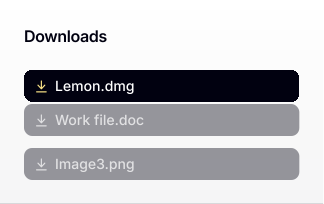
1.Locate the File
Find Lemon in your Downloads folder and double-click to open it.
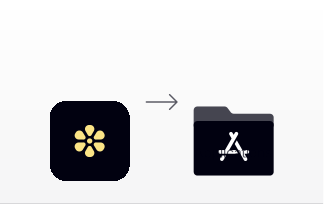
2.Install the App
Drag and drop the Lemon icon into the Applications folder to install it.
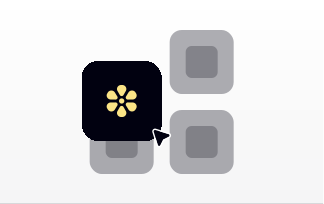
3.Launch Lemon
Open your Applications folder and double-click the Lemon app to get started.
Not working? Click here to download again or contact us at : support@heylemon.ai

Lemon
